Last updated July 31, 2026.
This article contains affiliate links; if you buy through them we may earn a commission at no extra cost to you. Full affiliate and editorial disclosures are at the end of this article.
What this covers: Wisewand has launched a new Autopilot mode that takes a WordPress site, asks three short questions, and builds a 30-day content schedule — one article per day — that it can write and publish for you. Here is what the feature is, how the setup works, and what it costs.
What is Wisewand Autopilot mode?
Until recently, “autopilot” on Wisewand was just a toggle that let the AI fill in an article brief for you. As of mid-2026 it is a separate, account-level mode. There is an Autopilot / Manual switch at the top of the dashboard, and turning it on opens a dedicated Autopilot screen.
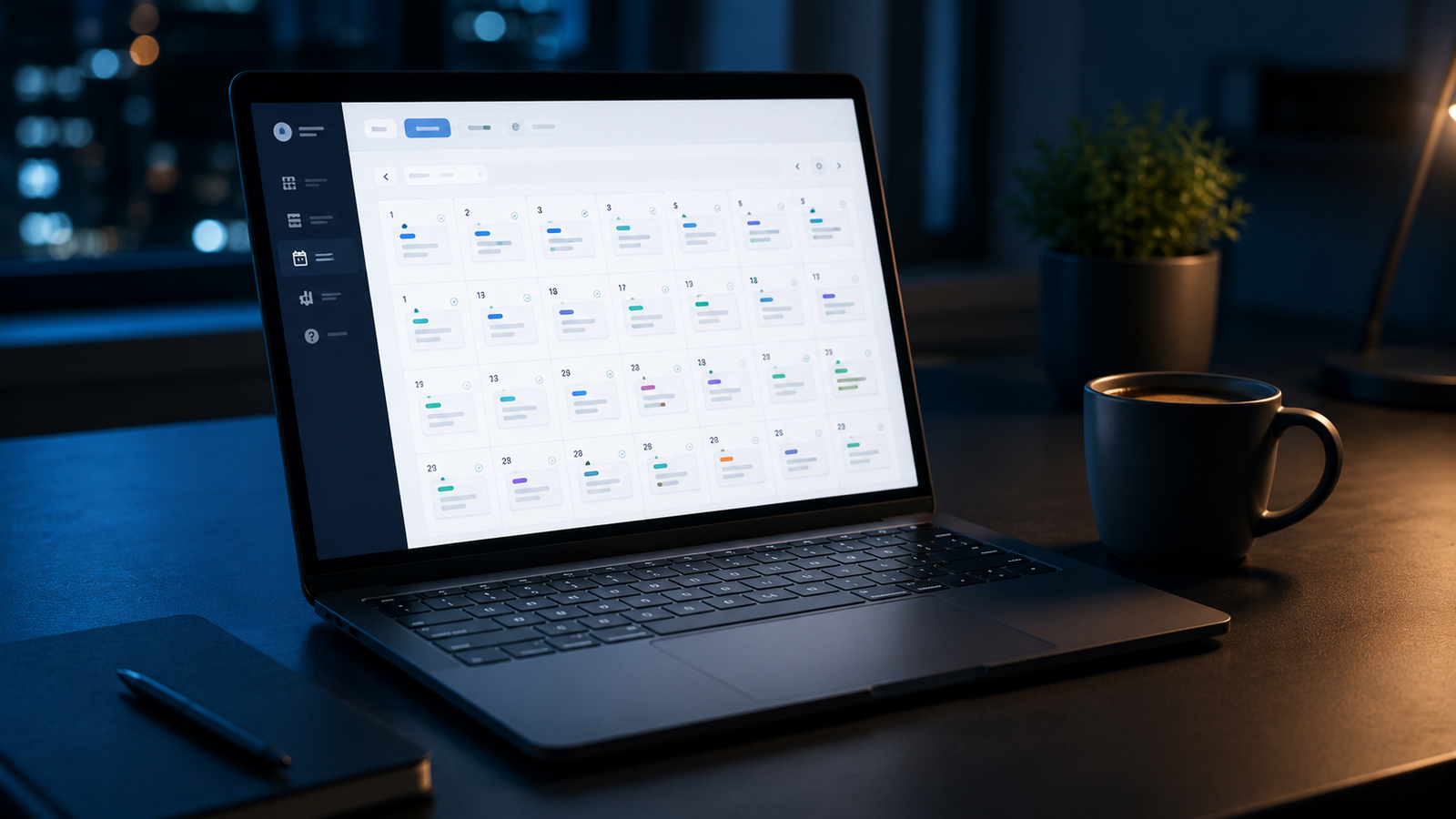
The pitch, in Wisewand’s own words on that screen: “Wisewand can now put your website on autopilot! Enter your site in the field below and a 30-day content schedule will be generated (one piece per day).” In short, it is built for volume — a month of posts, planned and generated with minimal input from you.
One limit is stated up front: “WordPress only for the moment.” If your blog runs on Ghost, Webflow, Wix, or Squarespace, Autopilot cannot connect to it yet.
How the Wisewand Autopilot setup works
Setting up Autopilot is a three-step wizard:
- Step 1 — Website. You paste your site’s URL so Wisewand can “analyse it.” WordPress only.
- Step 2 — Activity. Three short questions about your business: what you sell, who you sell to, and what success looks like in six months (traffic, leads, or sales). Wisewand says it pre-fills these from your site.
- Step 3 — Content strategy. Wisewand builds your 30-day plan and offers to start generating.
How Autopilot is priced
Autopilot is part of Wisewand’s paid subscription rather than its pay-as-you-go credits. Once you complete the three setup steps, the 30-day plan and article generation unlock with a subscription — the screen prompts you to “Subscribe to reveal the next 30 days of content and start generation.”
Autopilot uses a per-site “slot” system that comes with a subscription, so one-time à la carte credit packs do not unlock it on their own. If you are on credits alone rather than a subscription, that is worth knowing before you start: Autopilot is a subscription feature.
The three-step setup wizard itself is free to run — you can walk through it and see the plan-building flow before deciding whether to subscribe.
What Wisewand Autopilot costs
Autopilot needs a Wisewand subscription. Verified on Wisewand’s pricing page on July 31, 2026 (prices exclude tax; Wisewand bills in euros and shows US visitors a converted dollar price, so the USD figures below float with the exchange rate — confirm live before subscribing):
- Monthly plans start at $49/month (Starter, 23 credits per month).
- Annual billing brings Starter to about $45/month, billed as $545 up front for the year.
Higher tiers (Pro, Ultra, Max) scale up the monthly credit allowance and the price. One-time à la carte credit packs also exist (from 19 credits, and they never expire), but those are credits — they do not include Autopilot. For the full plan-by-plan breakdown, see our Wisewand review.
If you do subscribe, our reader code DAILYAI10 takes 10% off through our Wisewand link.
What Autopilot is built for
Based on how it is set up and priced, Autopilot is built for publishing volume on WordPress with minimal hands-on input: a 30-day, one-article-per-day schedule that Wisewand plans and can publish automatically. Its requirements define where it fits — it works only with WordPress, and it runs on a subscription rather than pay-as-you-go credits. Because it is designed to publish automatically, output goes live through whatever review workflow you set up around it.
If you want to compare it against tools built for a hands-on, edit-as-you-go workflow, see the other AI writing tools we have tested, or our look at AI writing tools versus ChatGPT.
Wisewand Autopilot FAQ
What is Wisewand Autopilot mode?
Wisewand Autopilot is an account-level mode that takes a WordPress site URL, asks a few questions about your business, and generates a 30-day content schedule (one article per day) that it can write and publish automatically. It is separate from Wisewand’s manual, article-by-article workflow.
Is Wisewand Autopilot free?
No. You can run the setup wizard for free, but revealing the 30-day plan and generating content require a paid subscription. Pay-as-you-go credits do not unlock Autopilot on their own — it uses a subscription-based “slot” system.
Does Wisewand Autopilot work with sites other than WordPress?
Not currently. The setup screen states “WordPress only for the moment,” so Ghost, Webflow, Wix, and Squarespace are not supported yet.
Can I review Autopilot articles before they publish?
Wisewand has not detailed this for Autopilot specifically. Its other content modes offer Draft / Scheduled / Direct publishing options; whether Autopilot carries the same controls is not spelled out in its launch materials yet, so confirm it in the app before pointing it at a live site.
How much does Wisewand cost?
Subscriptions start at $49/month, or about $45/month billed annually at $545/year, verified July 31, 2026. See our full Wisewand review for the complete pricing table.
Disclosures
Affiliate disclosure: This article contains affiliate links to Wisewand. If you sign up or purchase through them, we may earn a commission at no extra cost to you. Wisewand has also gifted our account trial credits in the past; that does not change what we report here. Our reader code DAILYAI10 takes 10% off through our Wisewand link.
Corporate relationships: Wisewand is an independent company — not part of the Copysmith/Copyrytr group behind Frase and Rytr. That doesn’t change anything in this article; we report what we find.
Editorial independence: Our coverage comes from independent research and hands-on use of the tool, not commissions. Affiliate relationships never influence what we report or recommend.